

What people are saying.




Empowering Innovations & Success
Fixia Computer 203 Dalhousie Street Ottawa ON Canada k1N 7C9 techsupport@fixiacomputer.com
+1 (613) 707-4700
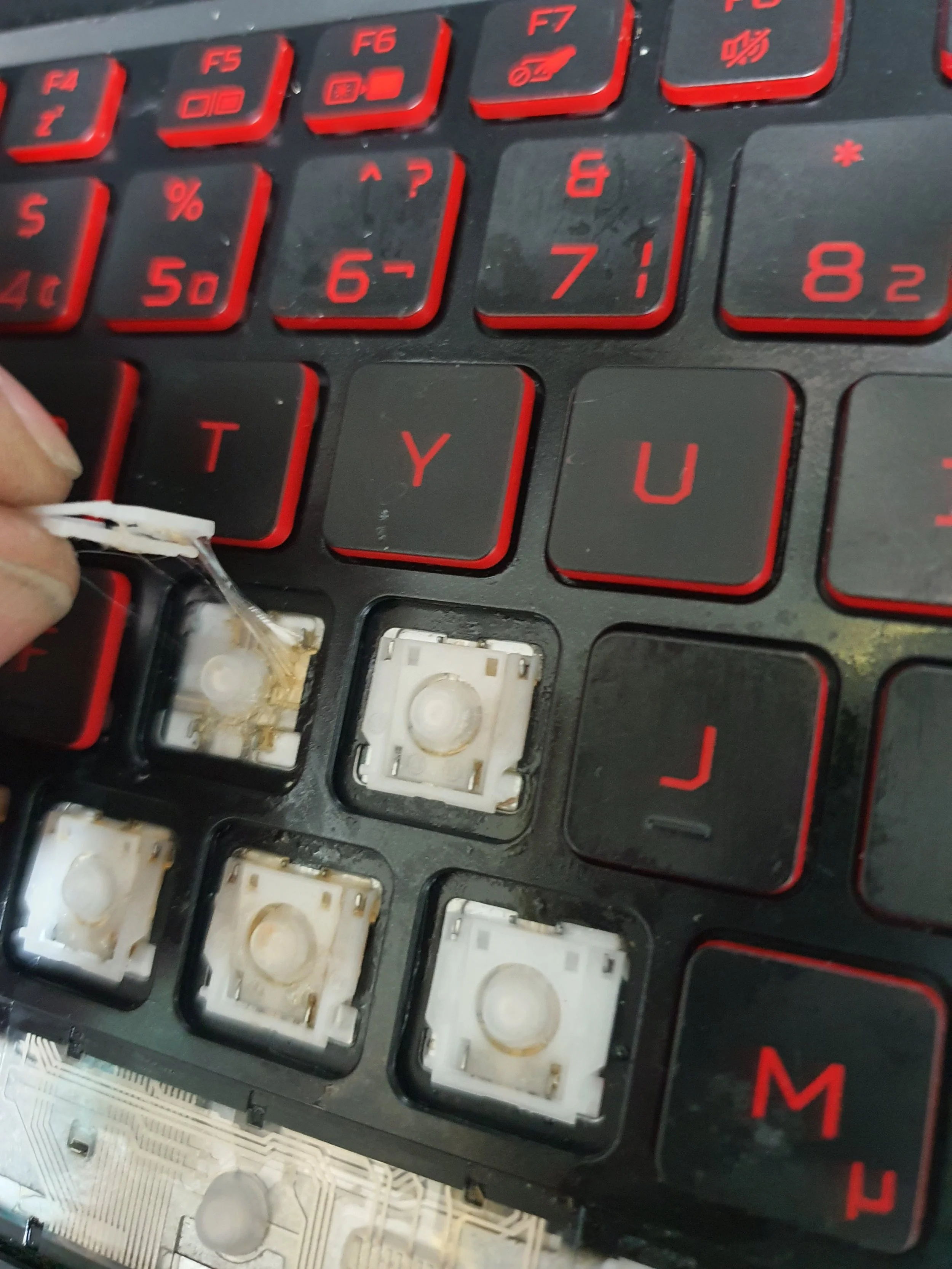
liquid damage clean up
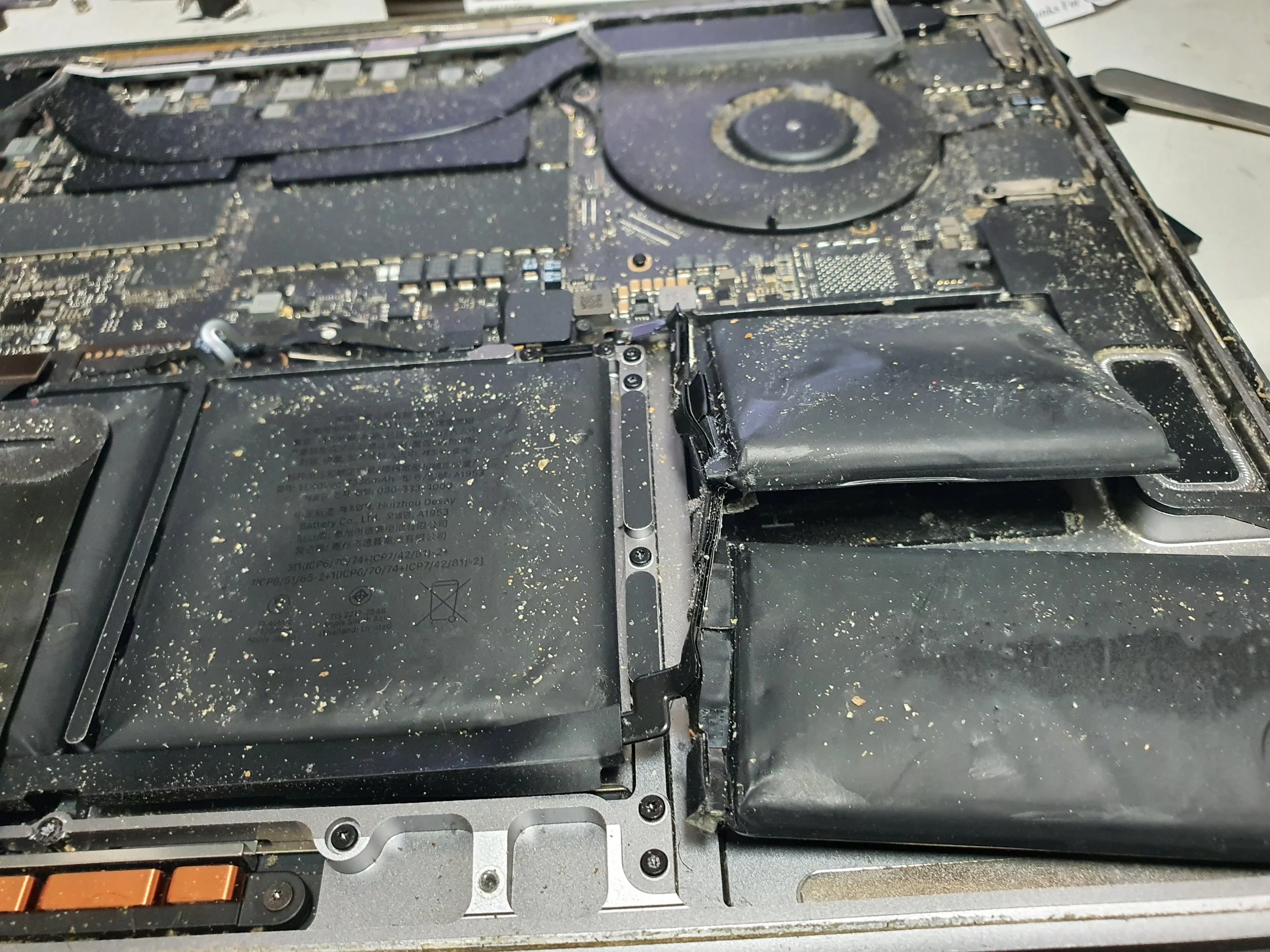
Open laptop with the back cover removed, showing internal components like the battery and circuit board, covered in dust and debris.
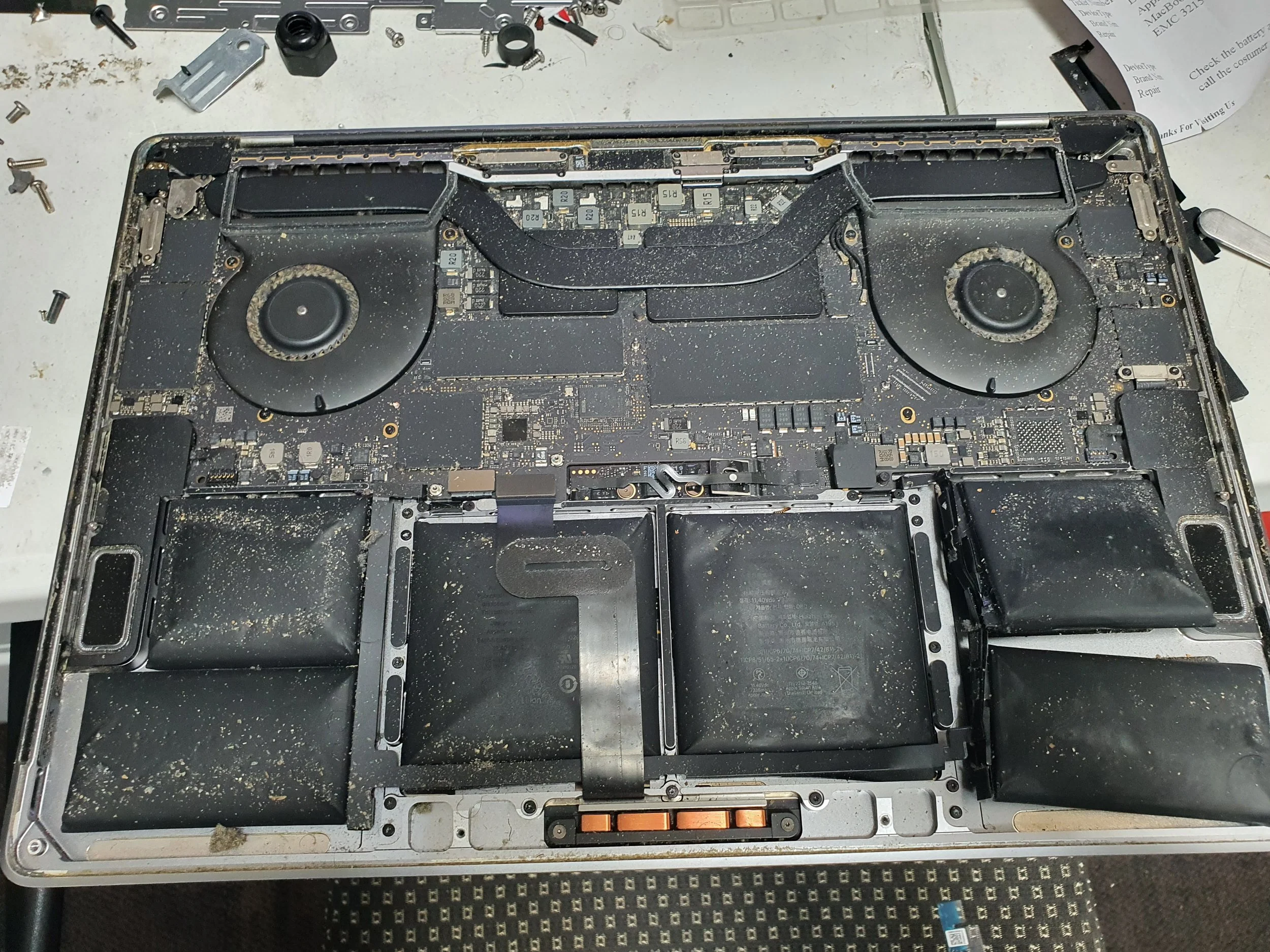
battery replacement
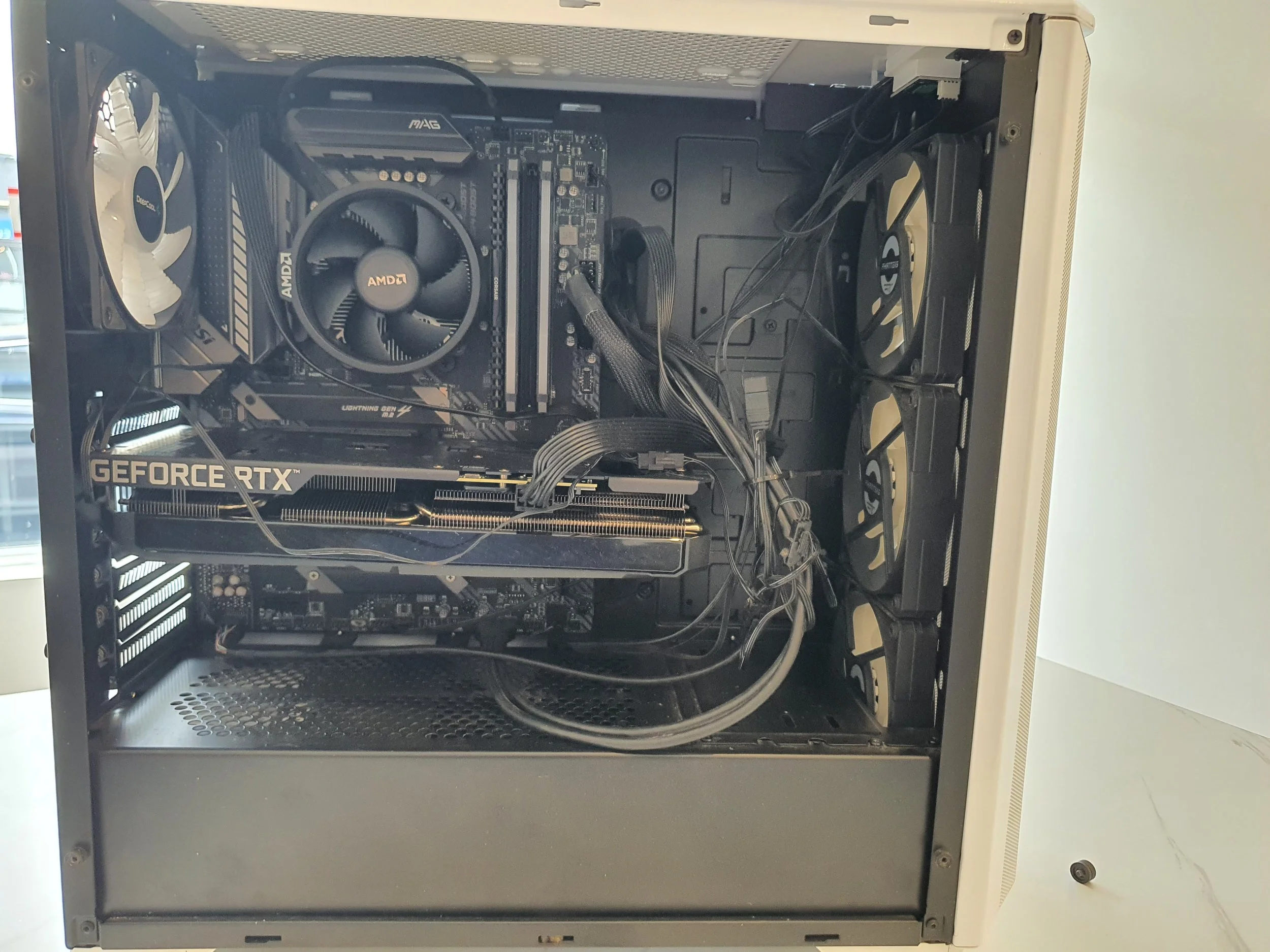
Interior of a desktop computer showing components including a graphics card, motherboard, cooling fans, and power supply unit.
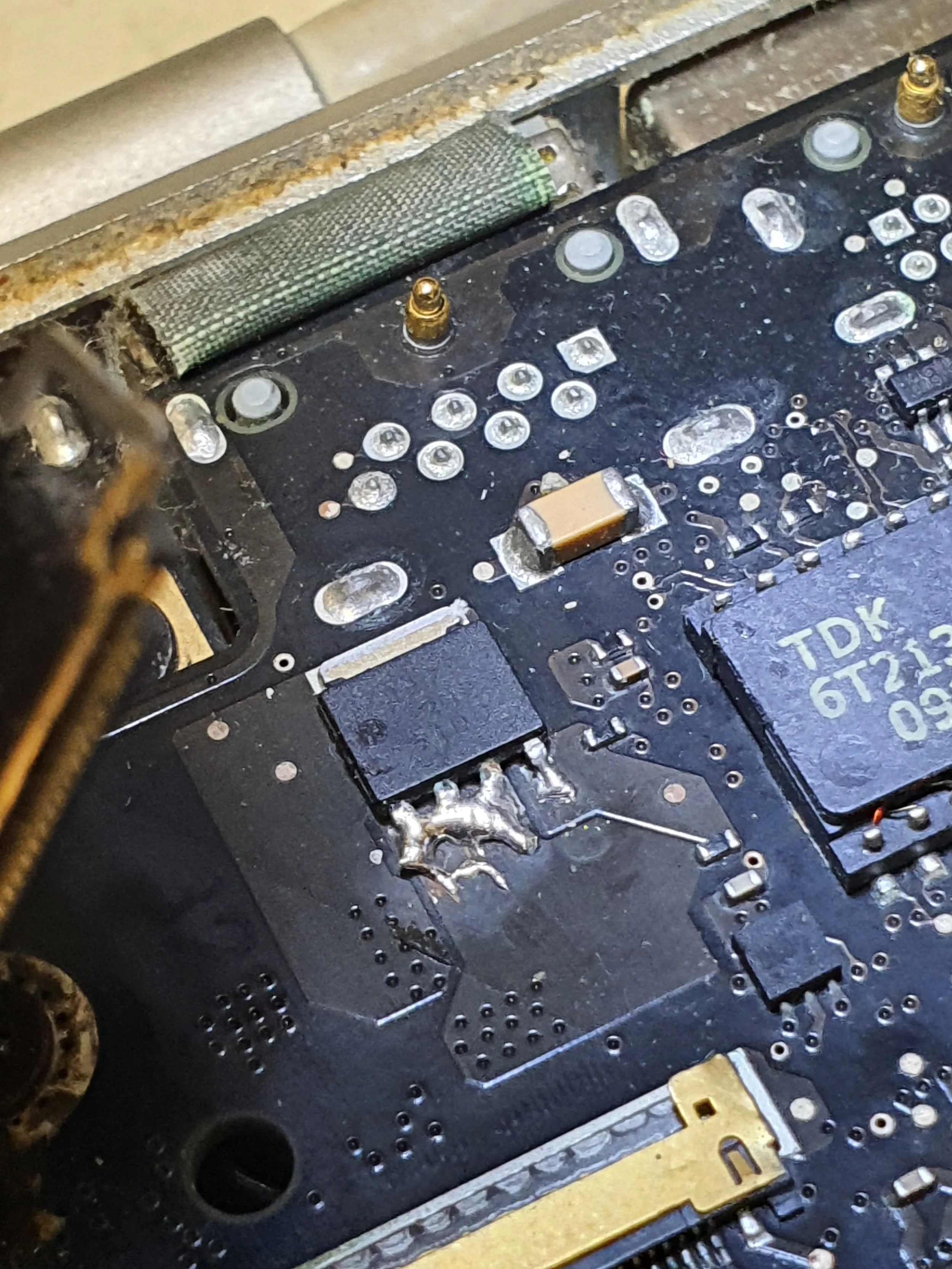
Close-up of a malfunctioning circuit board with burnt solder joints, indicating potential damage from overheating or electrical failure.
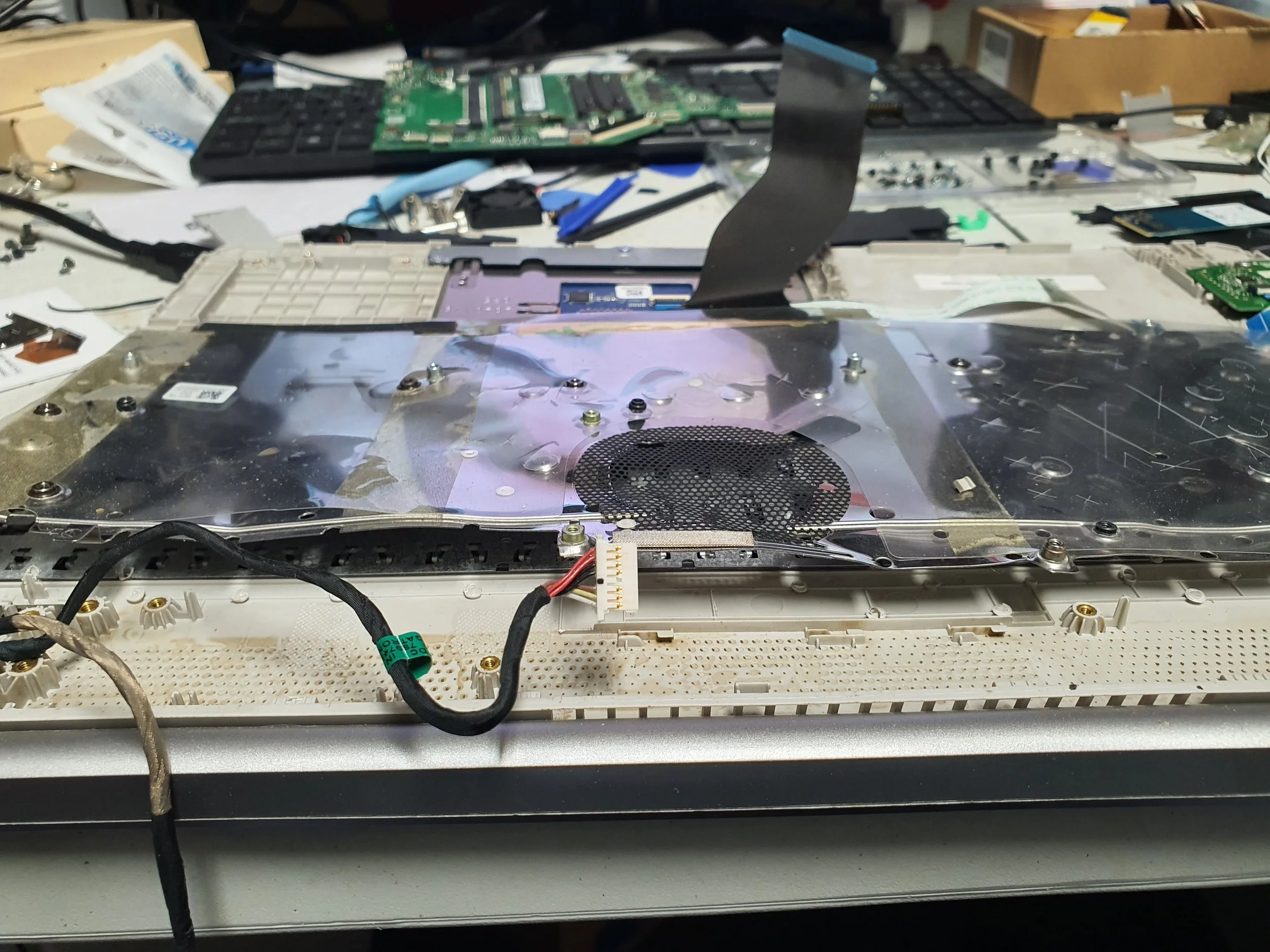
Disassembled laptop with internal components exposed on a cluttered worktable.
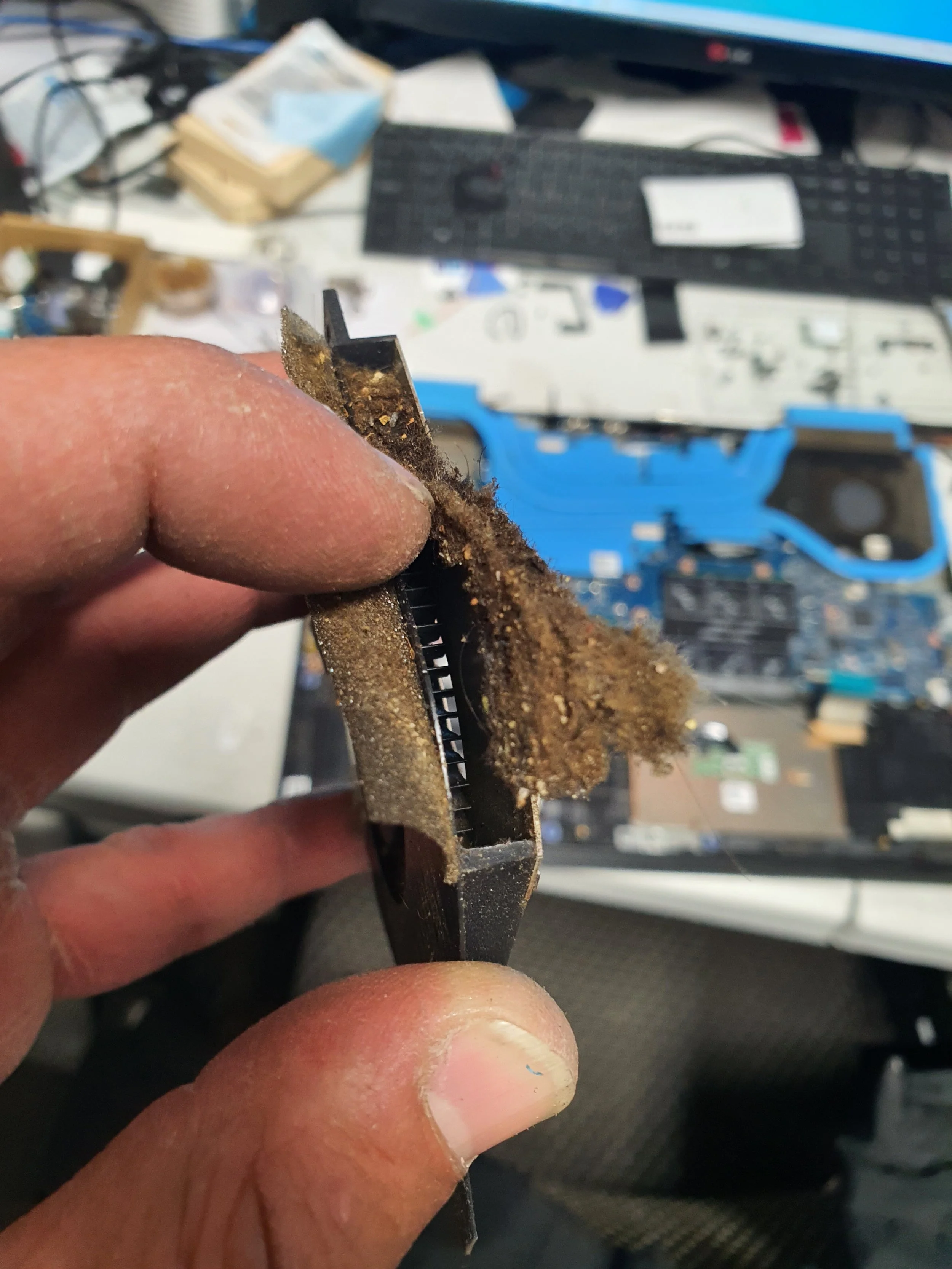
Close-up of a person's hand holding a dirty, dust-covered electronic component, possibly a circuit board or connector, with a cluttered workspace and disassembled electronics in the background.

Close-up of a hand holding a dusty, dirty computer component, with a messy workspace in the background including tools, a disassembled hard drive, and electronic equipment.
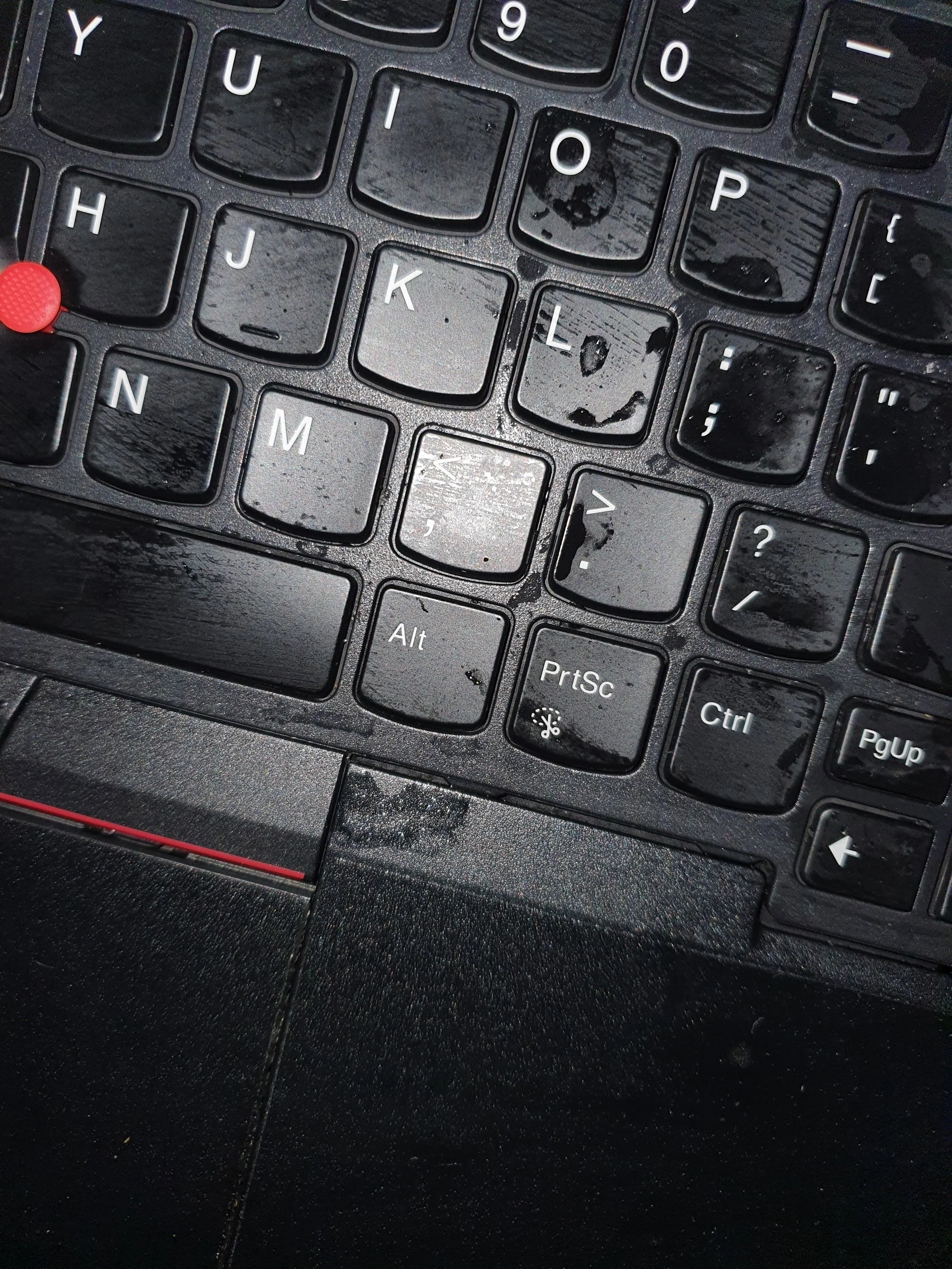
Close-up of a black computer keyboard with visible water spots and dust, showing keys including 'Y', 'U', 'I', 'O', 'P', 'H', 'J', 'K', 'L', 'N', 'M', 'Alt', 'PrtSc', and 'Ctrl'.
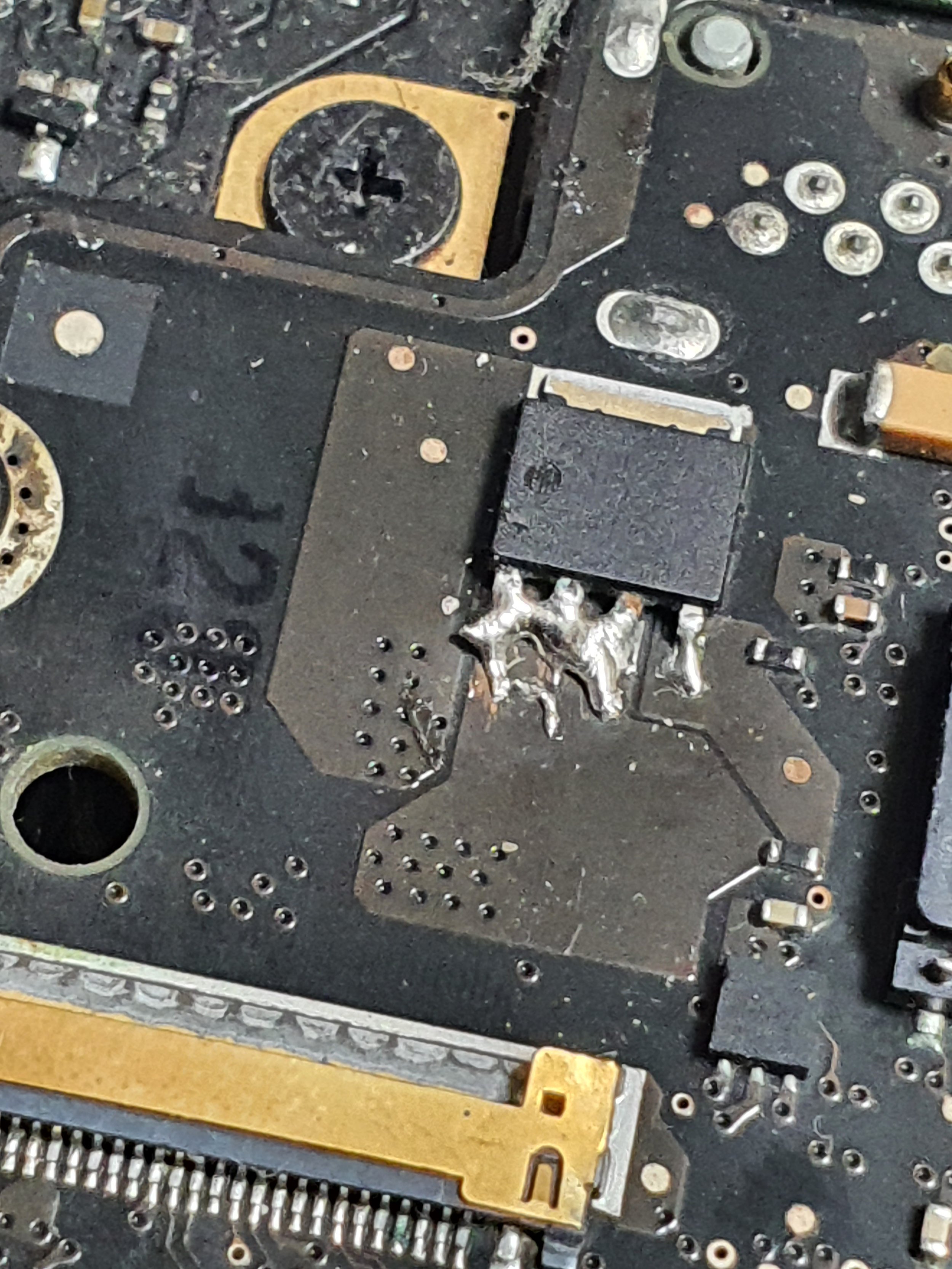
Close-up of a damaged or burned circuit board with solder and electronic components.
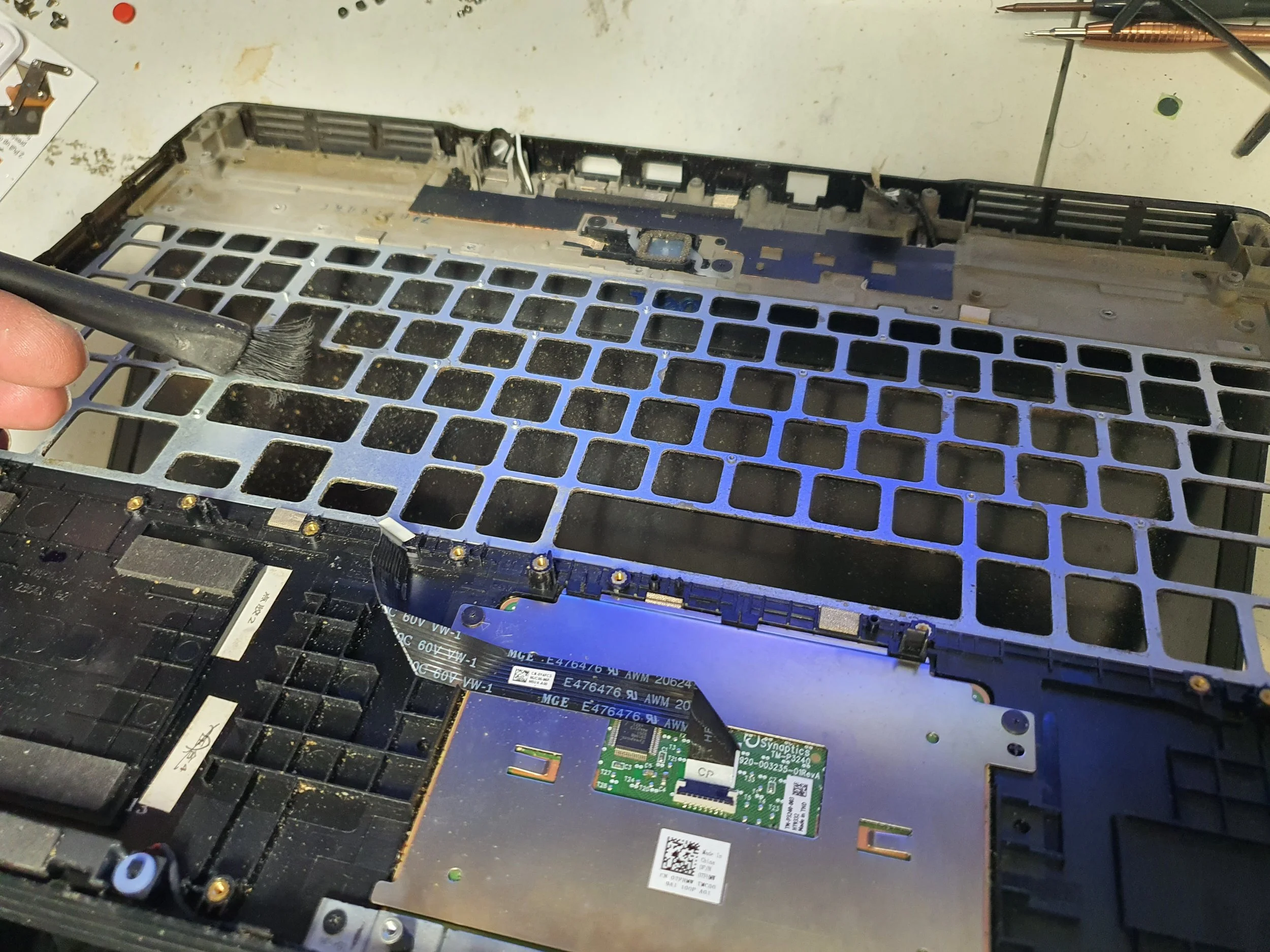
Close-up of a person's hand cleaning the interior of a disassembled laptop with a brush, exposing the motherboard and empty metal frame.
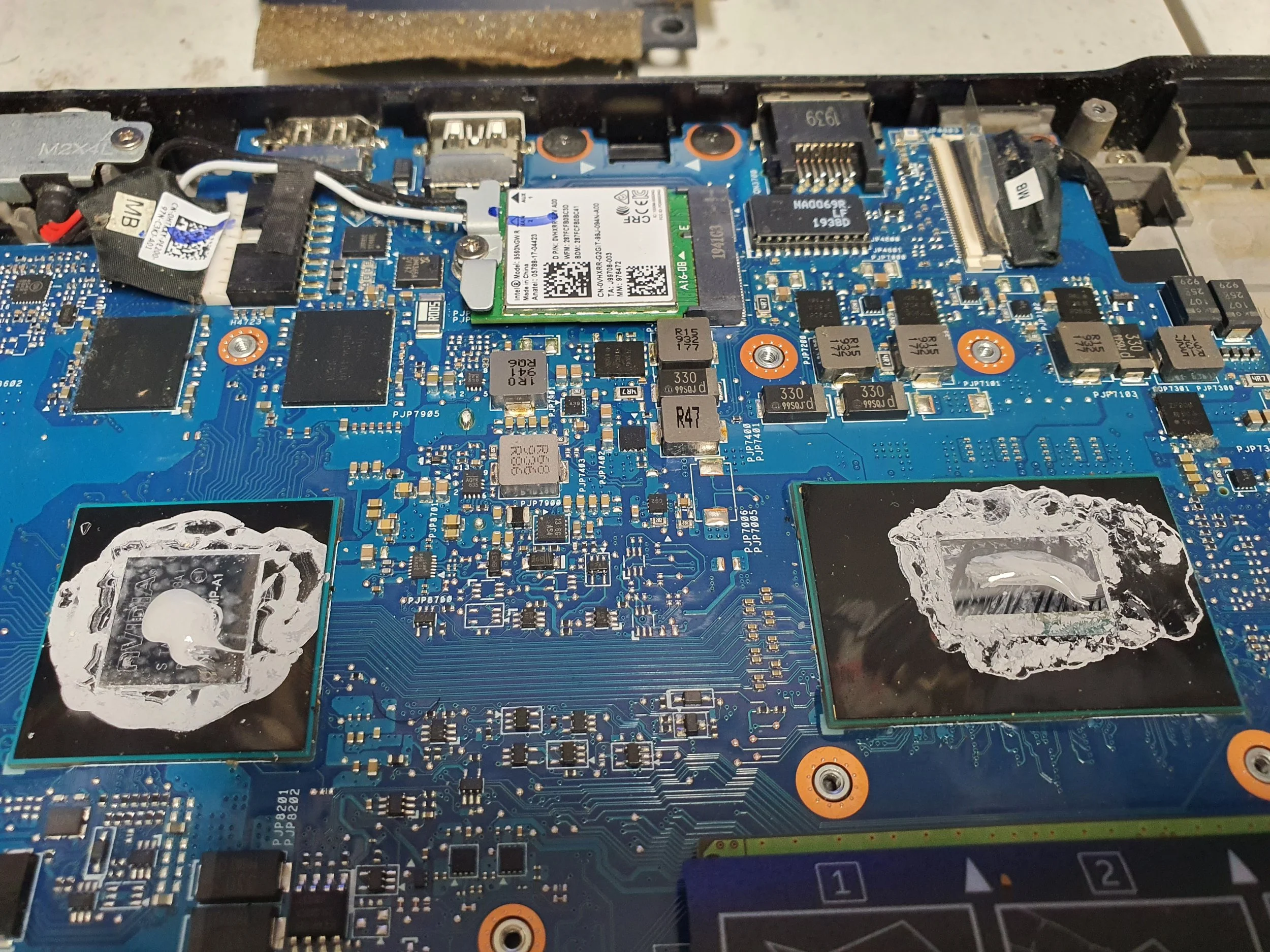
Inside view of a disassembled laptop revealing a blue circuit board with various components, some covered in ice.
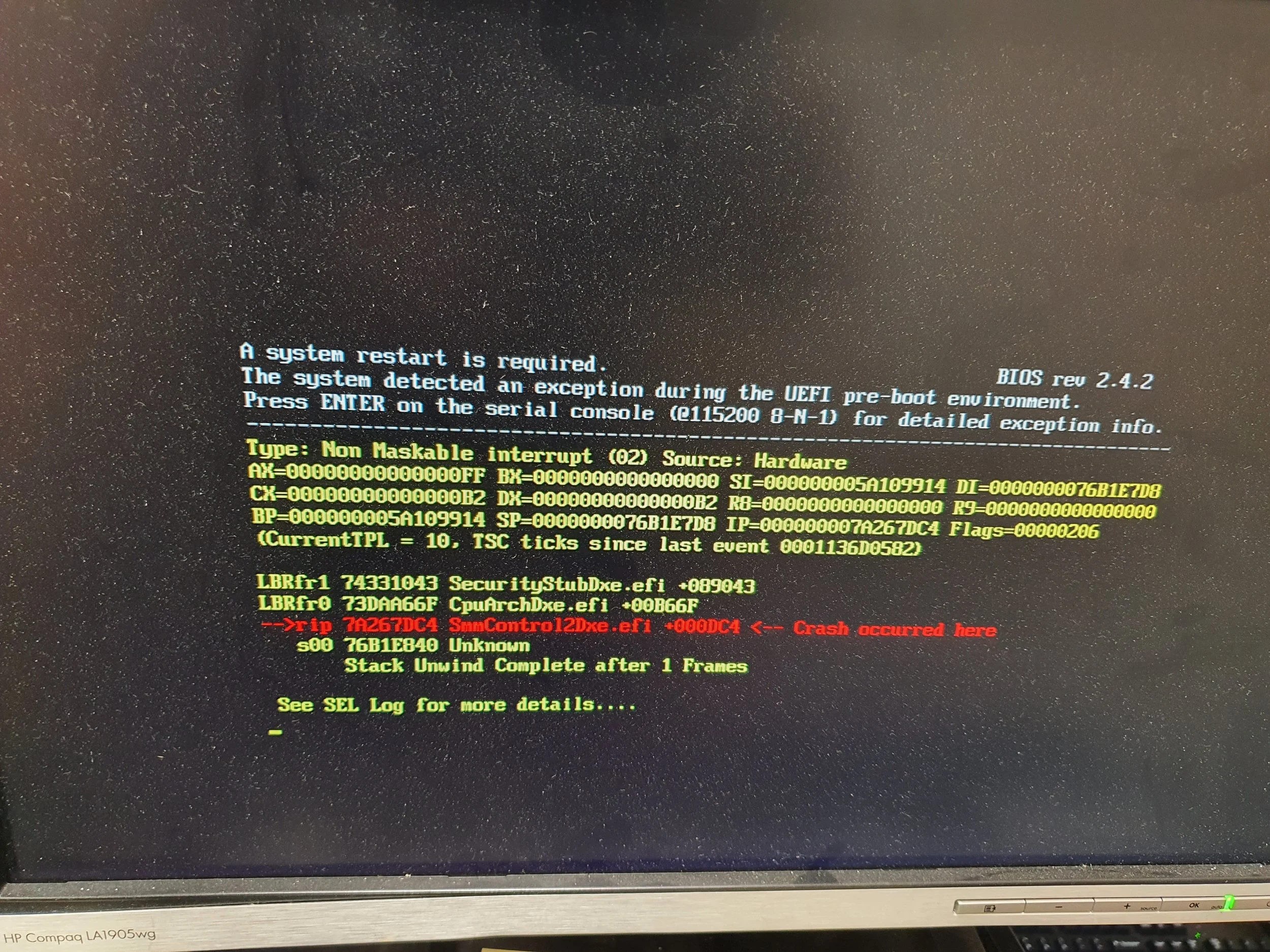
Computer screen displaying a BIOS error message indicating a system crash, with technical details and an error code, in green, red, and white text on a black background.
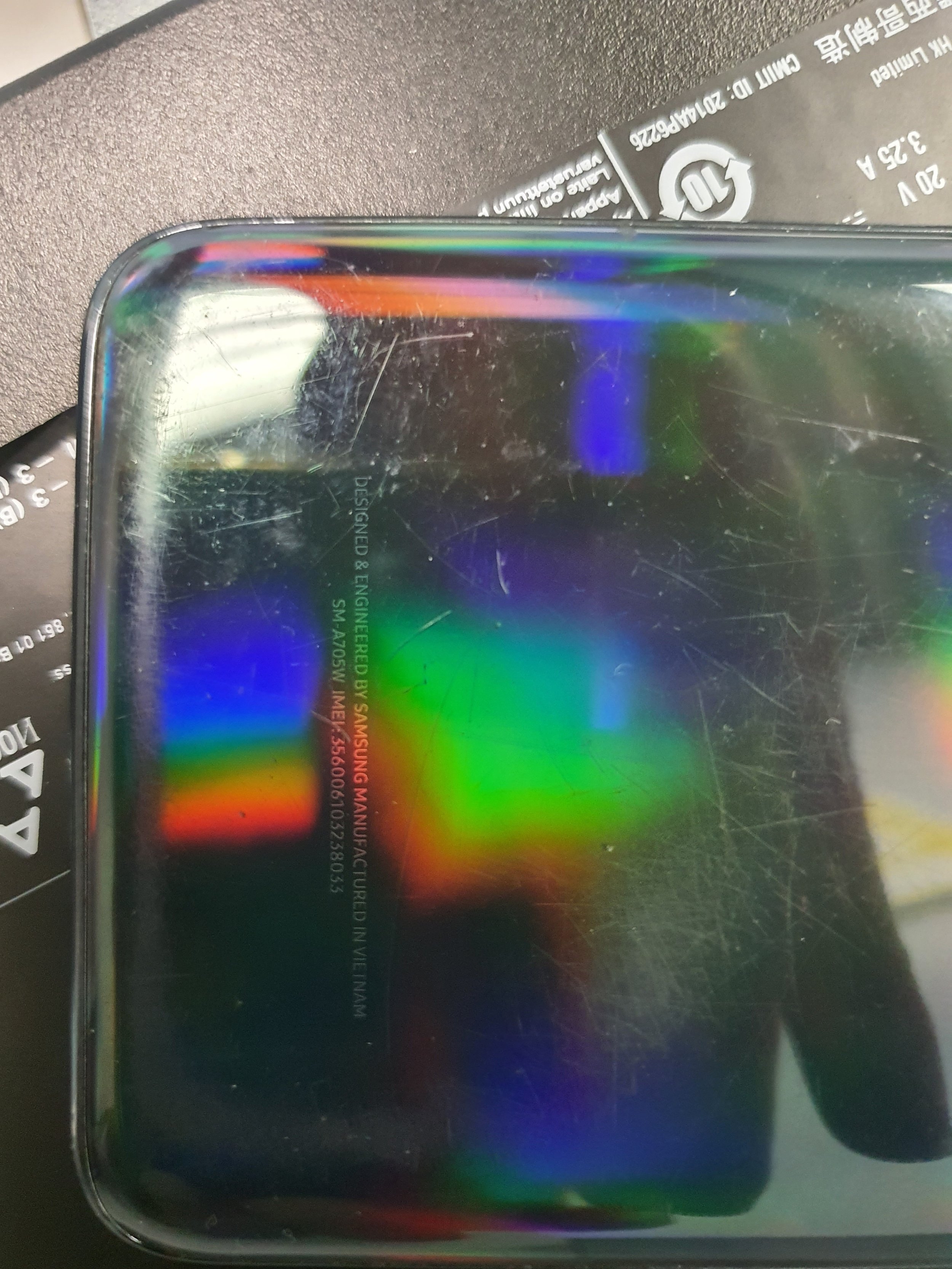
Close-up of a reflective, oily surface of a device, showing scratches and rainbow-colored light reflections. Part of a remote control and a black packet are visible in the background.
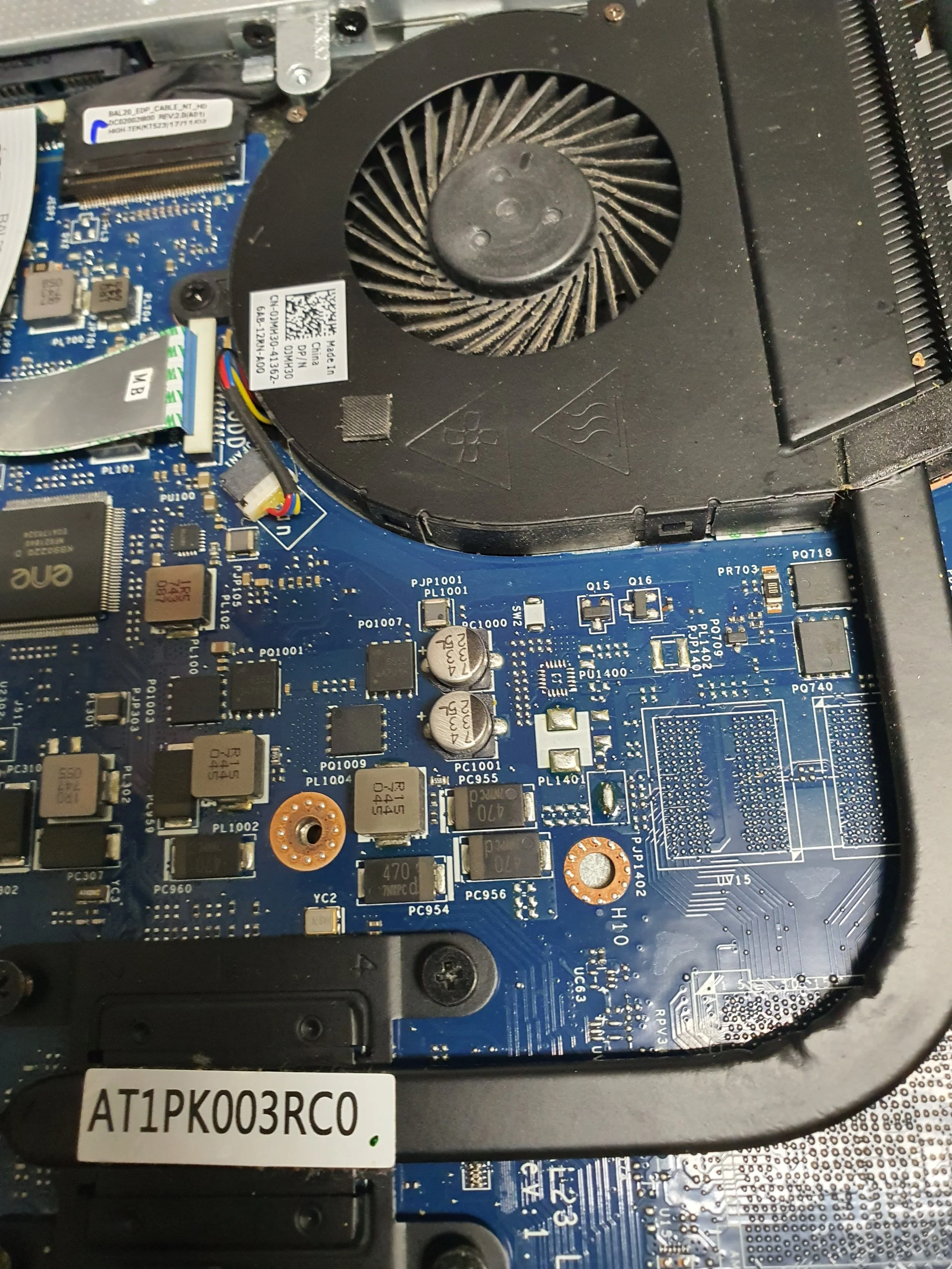
Close-up of a laptop's internal blue circuit board with various chips, capacitors, and connectors, featuring a cooling fan at the top.
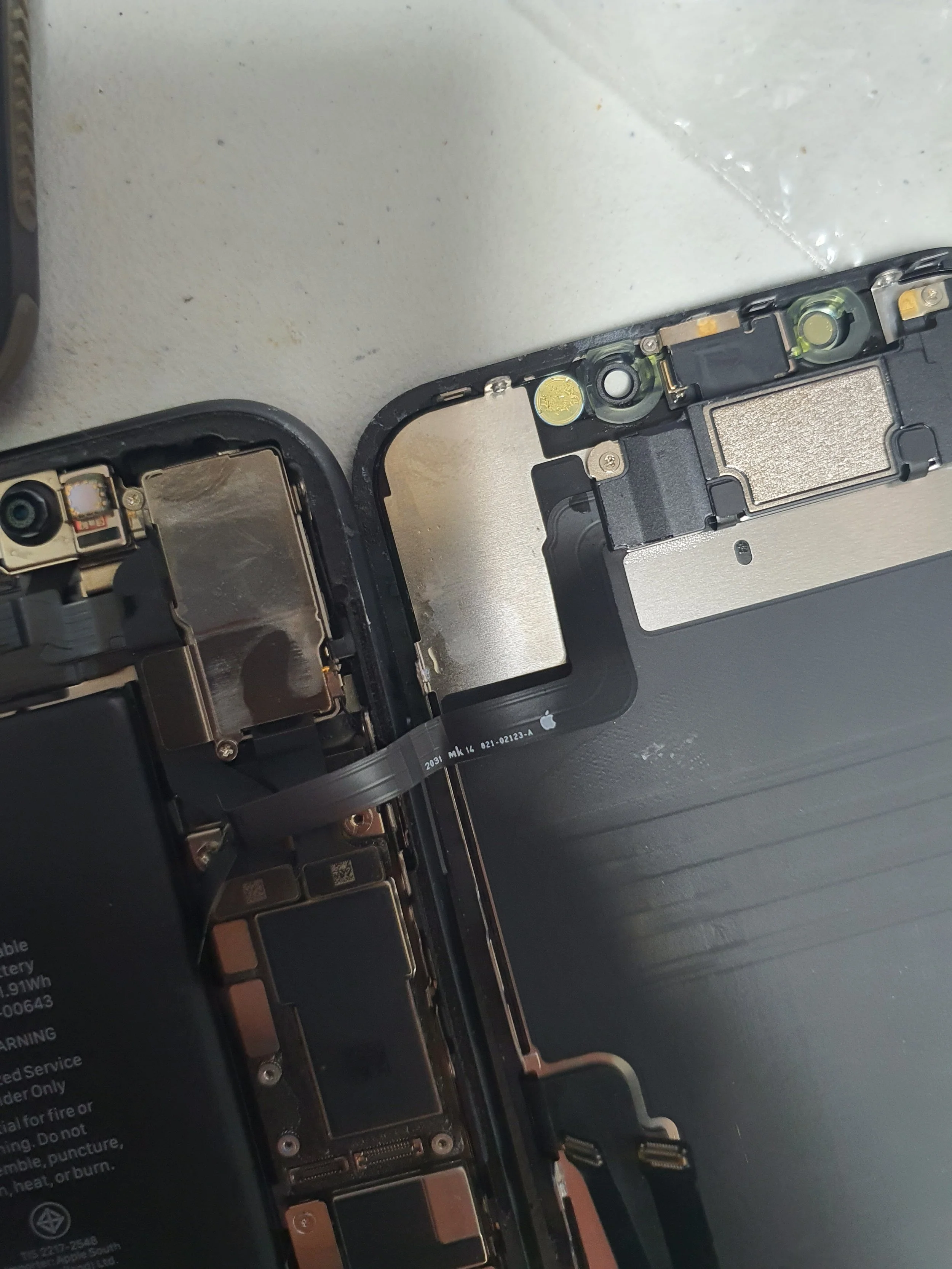
Close-up of a partially disassembled iPhone, showing internal components such as the battery, logic board, and connectors.

Close-up view of the interior of an iPhone with the display removed, showing internal components, including flex cables, circuits, and connectors.
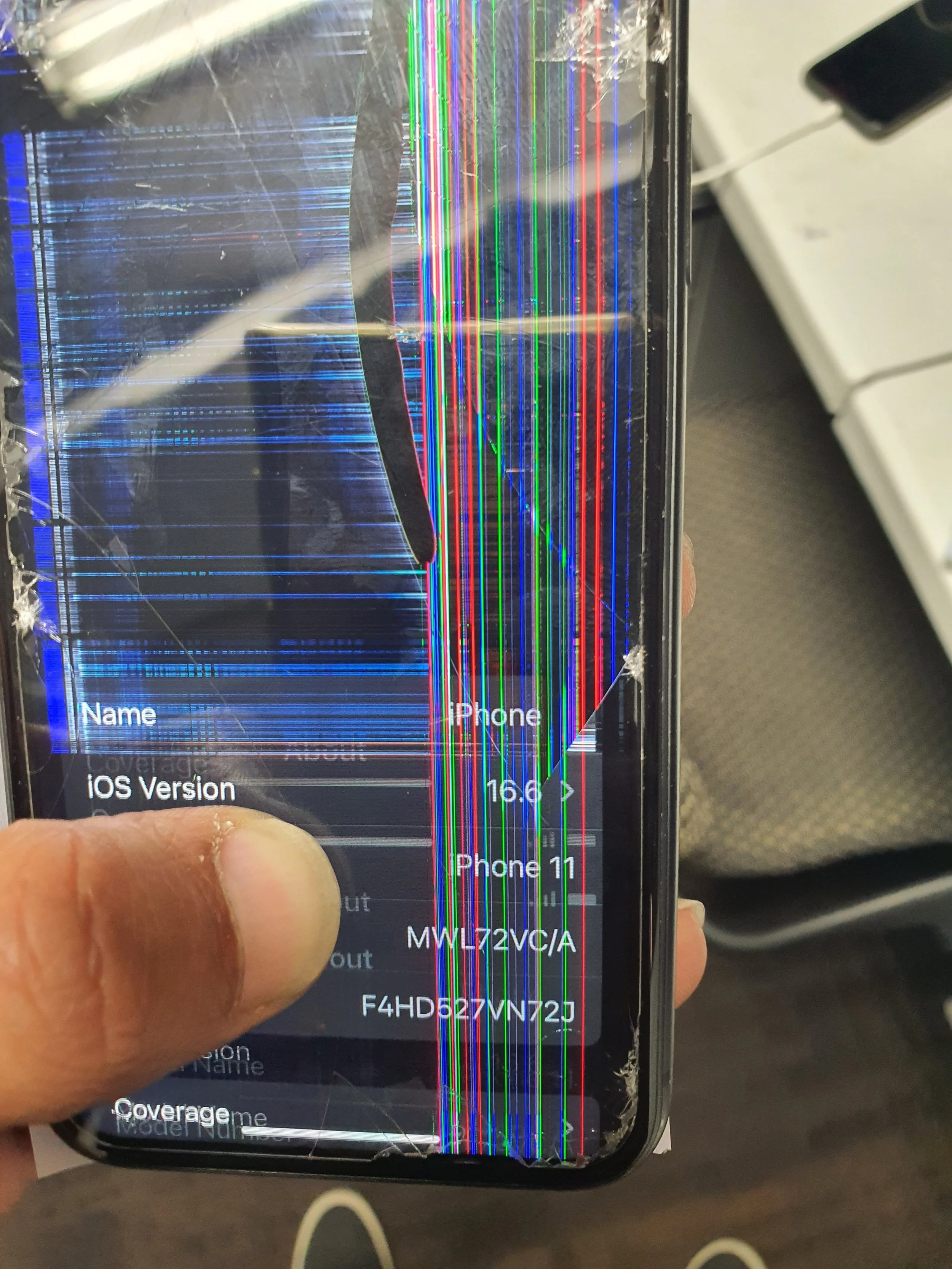
A broken smartphone with a screen that has extensive vertical and horizontal colorful lines and cracks.

Close-up of a person replacing or installing a laptop battery, with internal components of the laptop visible including the cooling fan, circuit board, and RAM modules.
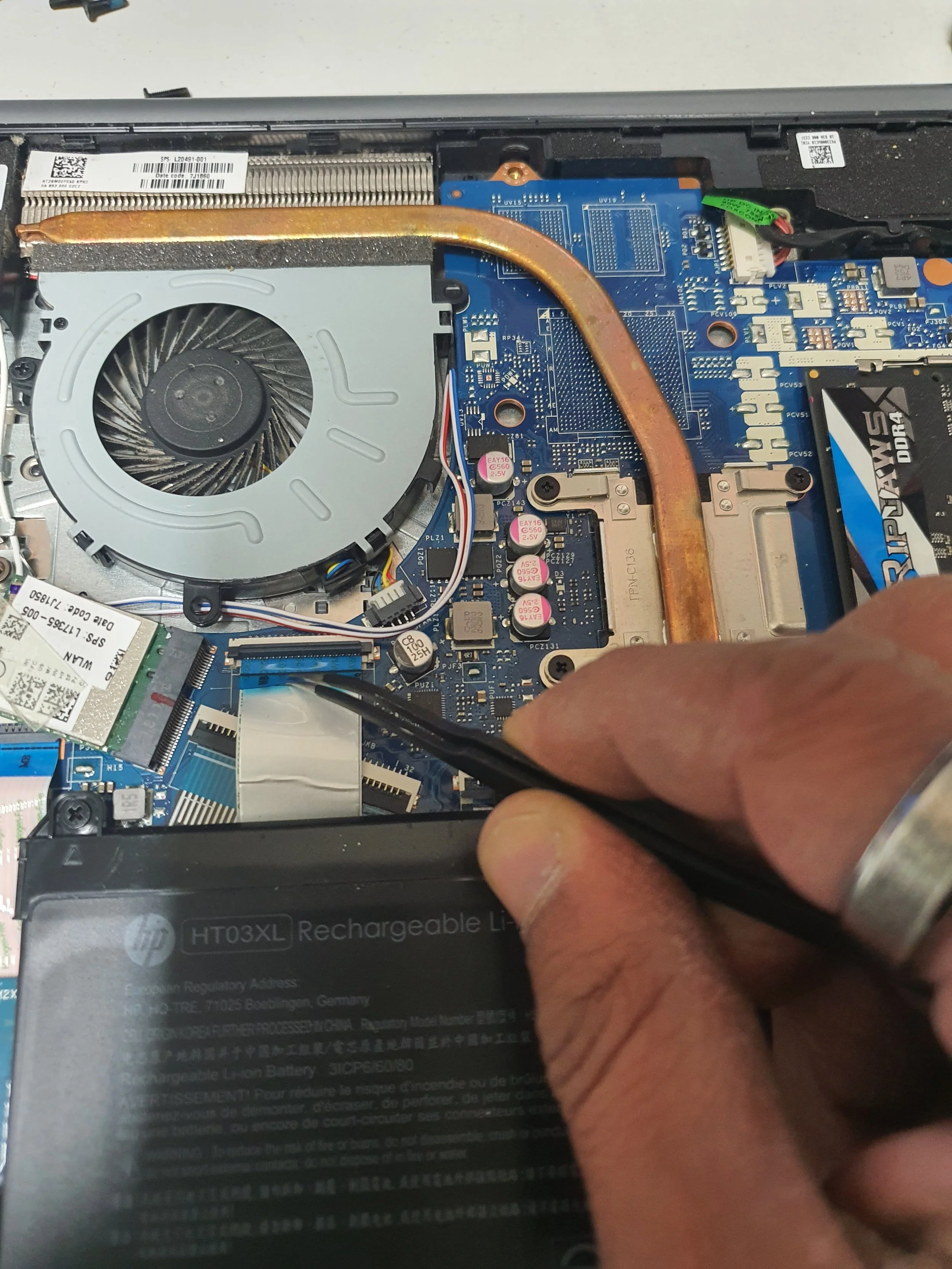
A person using a tool to work on the internal components of a laptop, showing a cooling fan, a copper heat pipe, and a rechargeable lithium-ion battery.

The inside of a laptop displaying the screen panel with attaching tape and connectors visible.
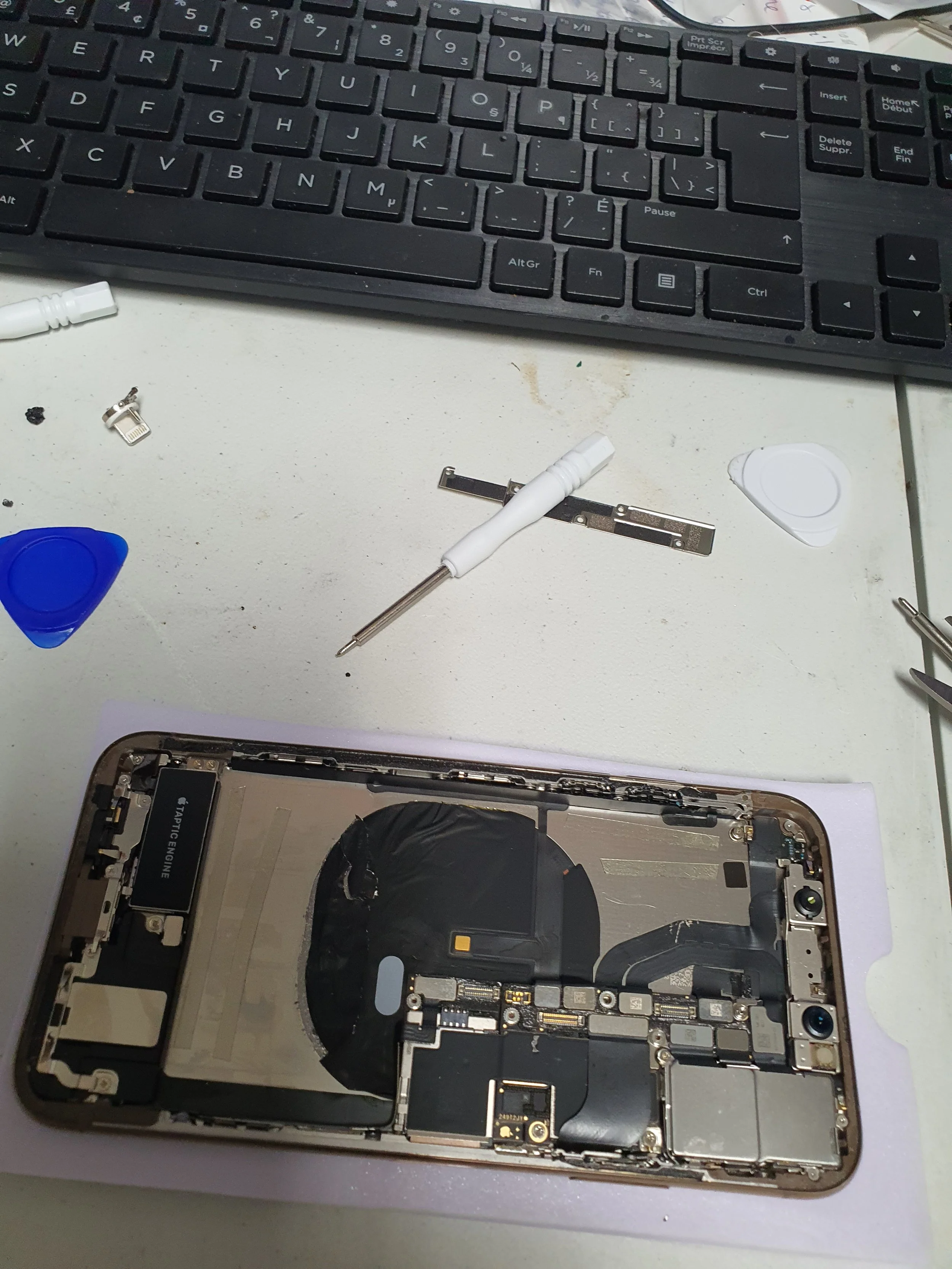
Disassembled smartphone on a white work surface with a keyboard at the top, accompanied by small tools, plastic pry tools, and a SIM card tray.
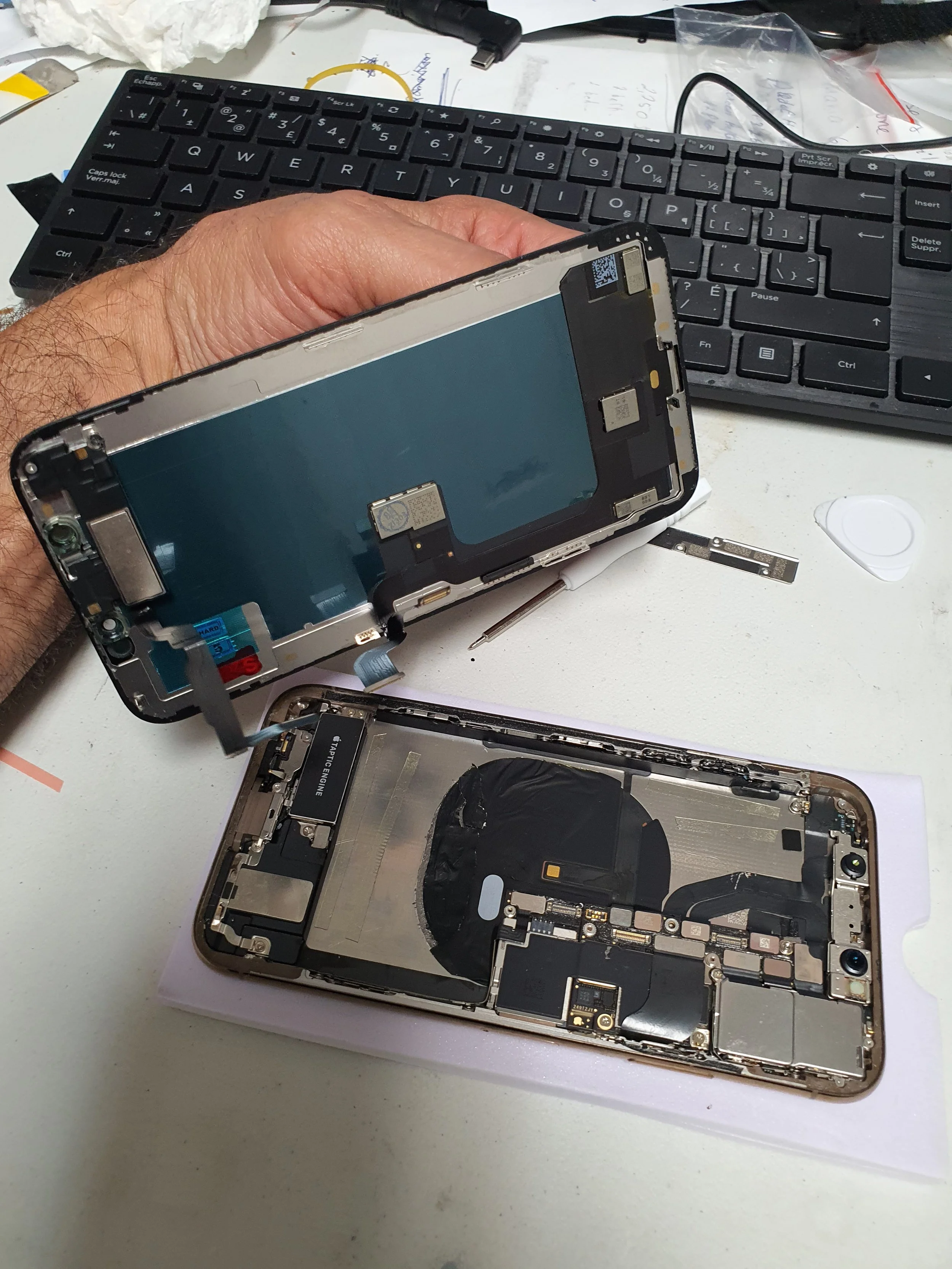
Disassembled iPhone showing internal components on a white work surface, with a keyboard in the background.
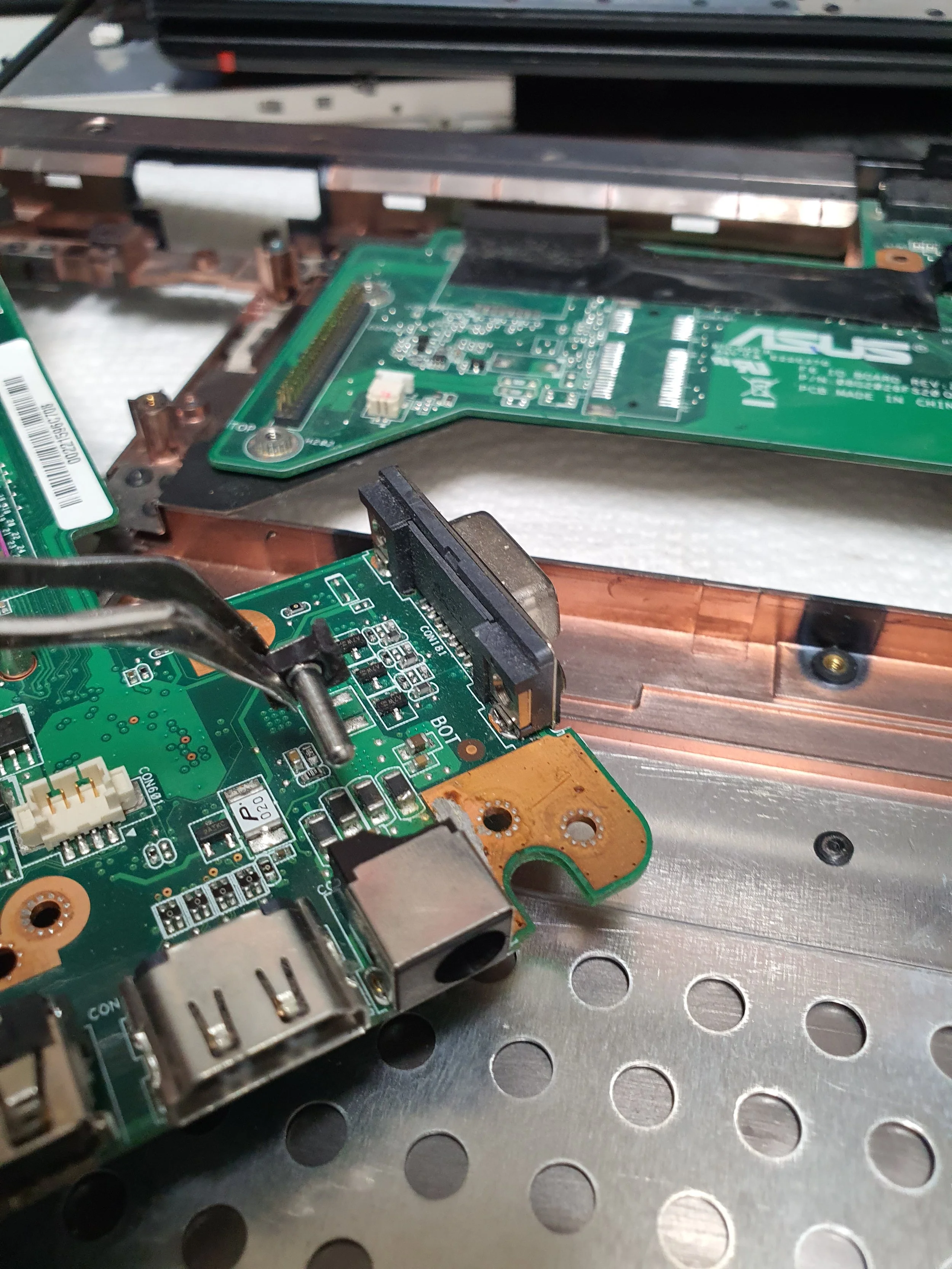
Close-up of disassembled circuit boards inside a laptop, with visible ports, connectors, and electronic components, on a perforated metallic surface.
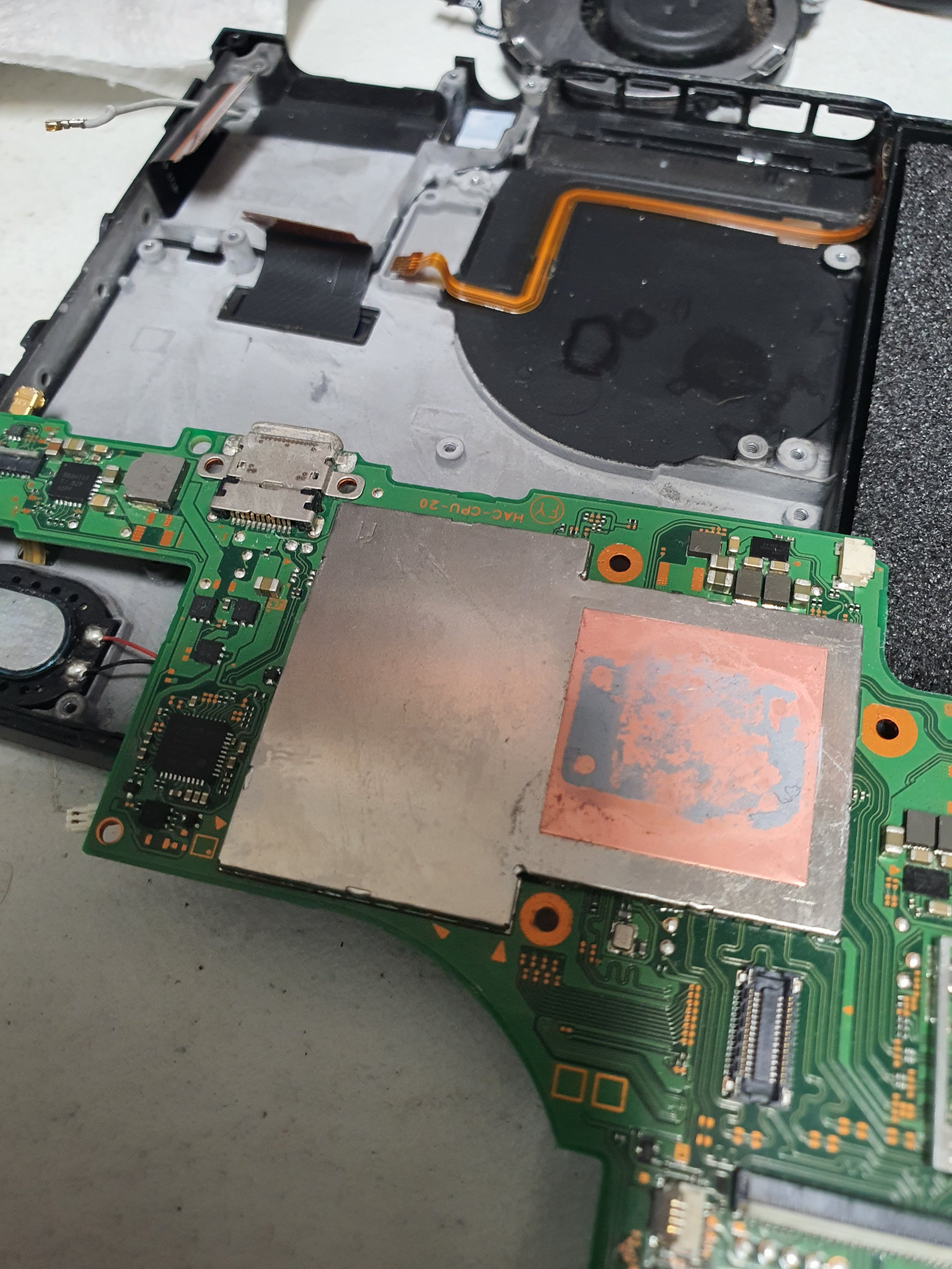
Interior of a disassembled electronic device, likely a laptop or tablet, showing the circuit board, cooling system, and internal components.
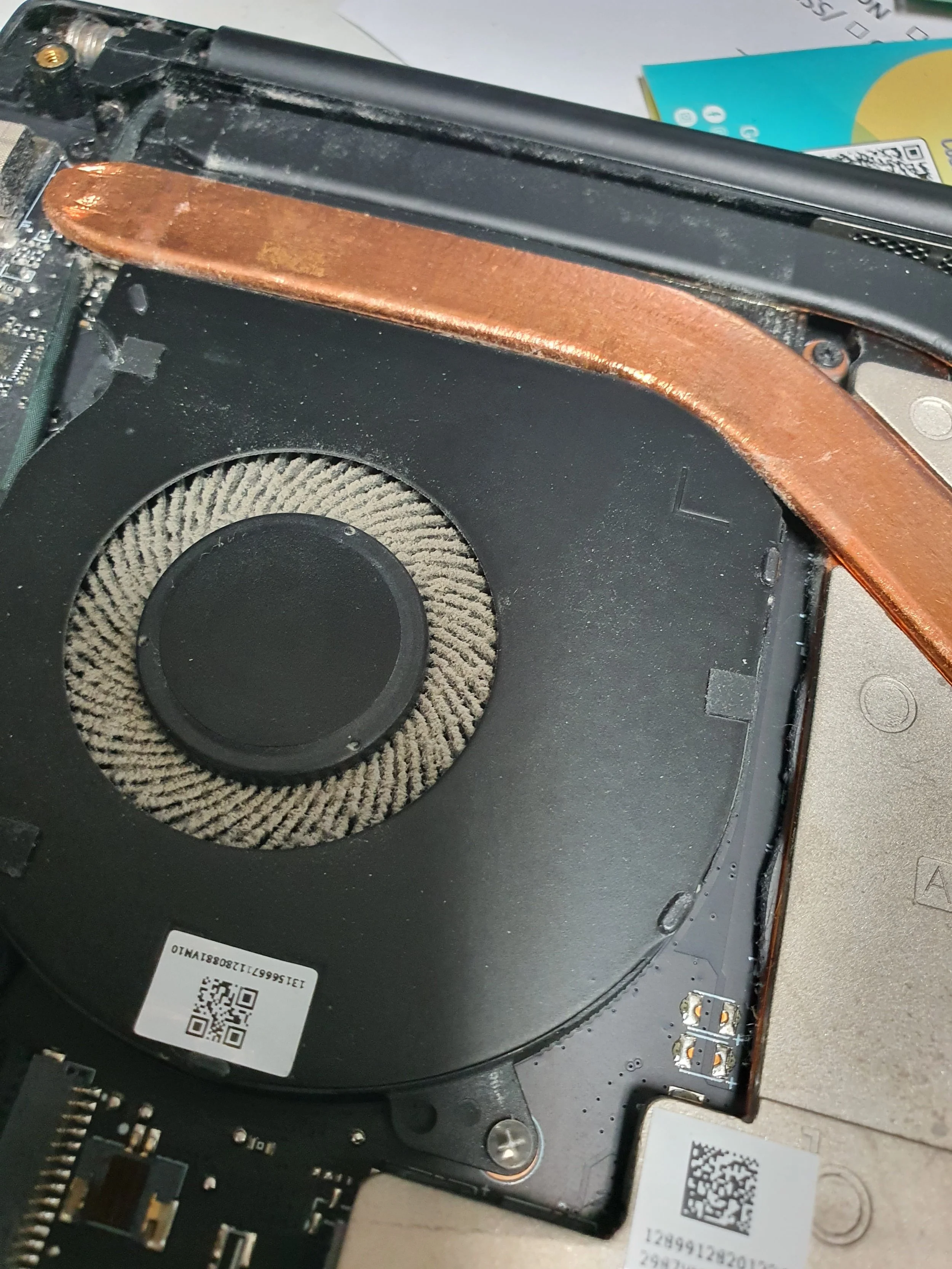
Close-up of a laptop's internal cooling fan and heat sink, with visible copper heat pipe.
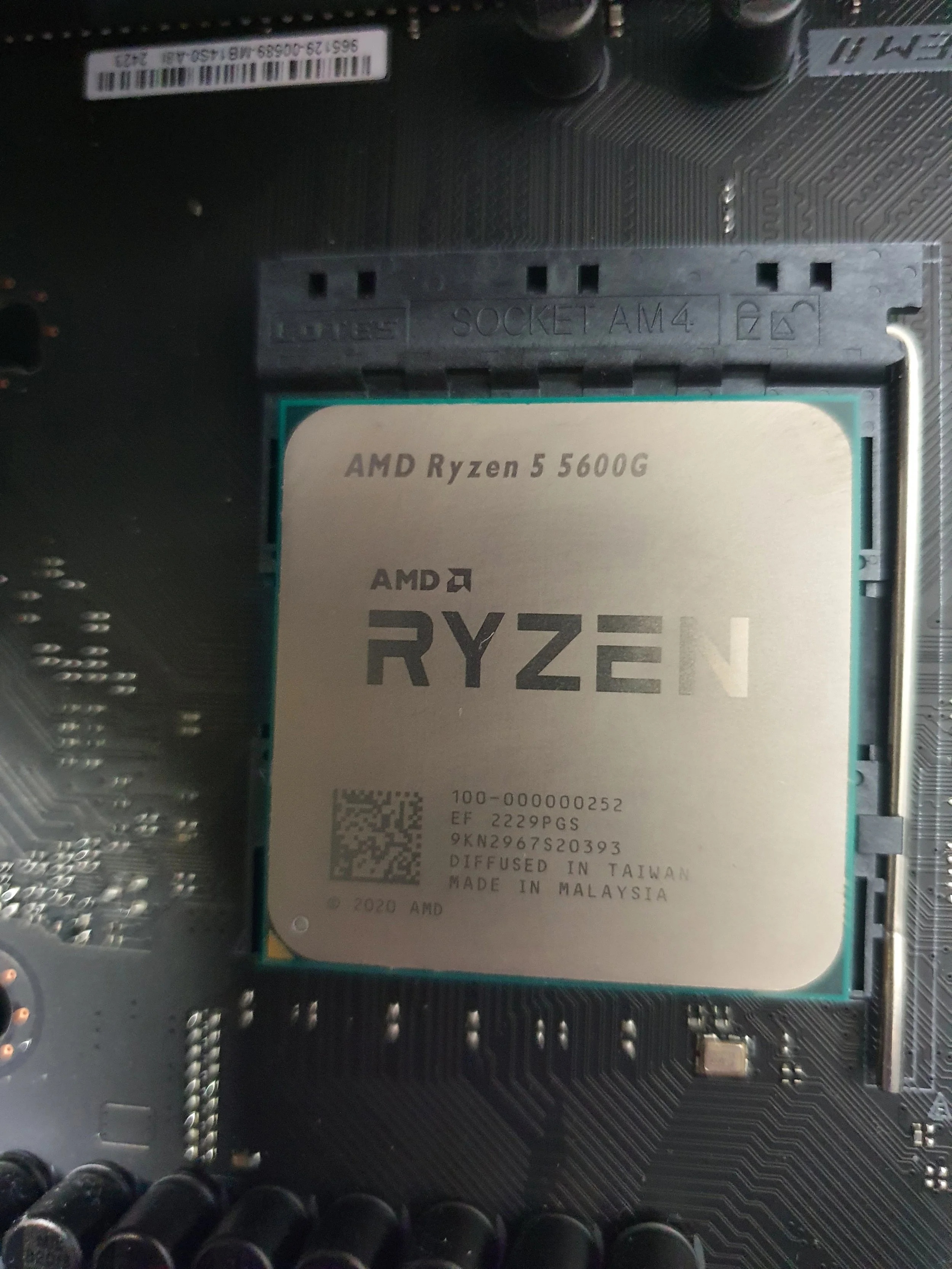
Close-up image of an AMD Ryzen 5 5600G processor installed on a computer motherboard.
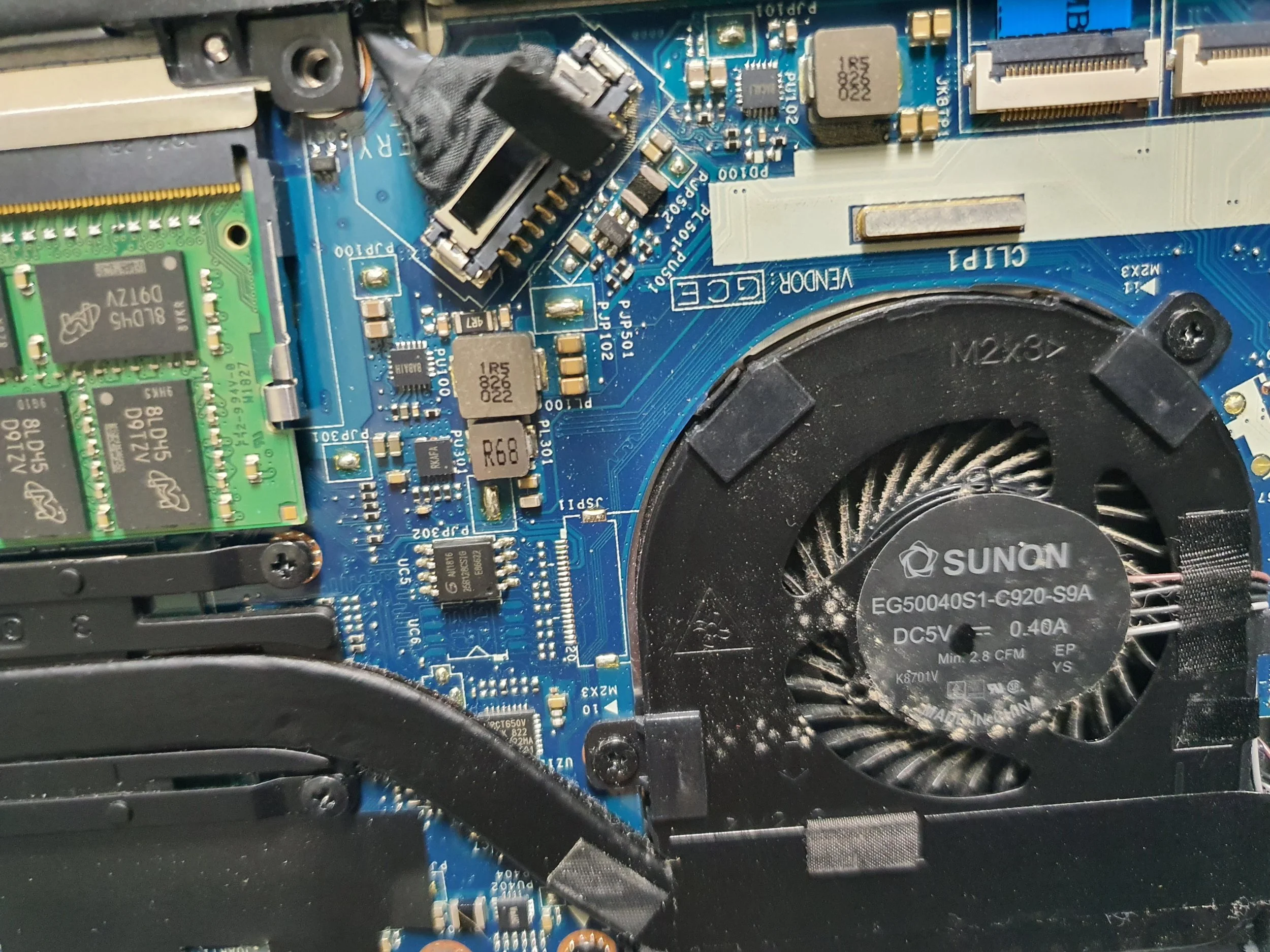
Close-up view of a computer motherboard showing various components, a cooling fan labeled Sunon, and a green RAM module.
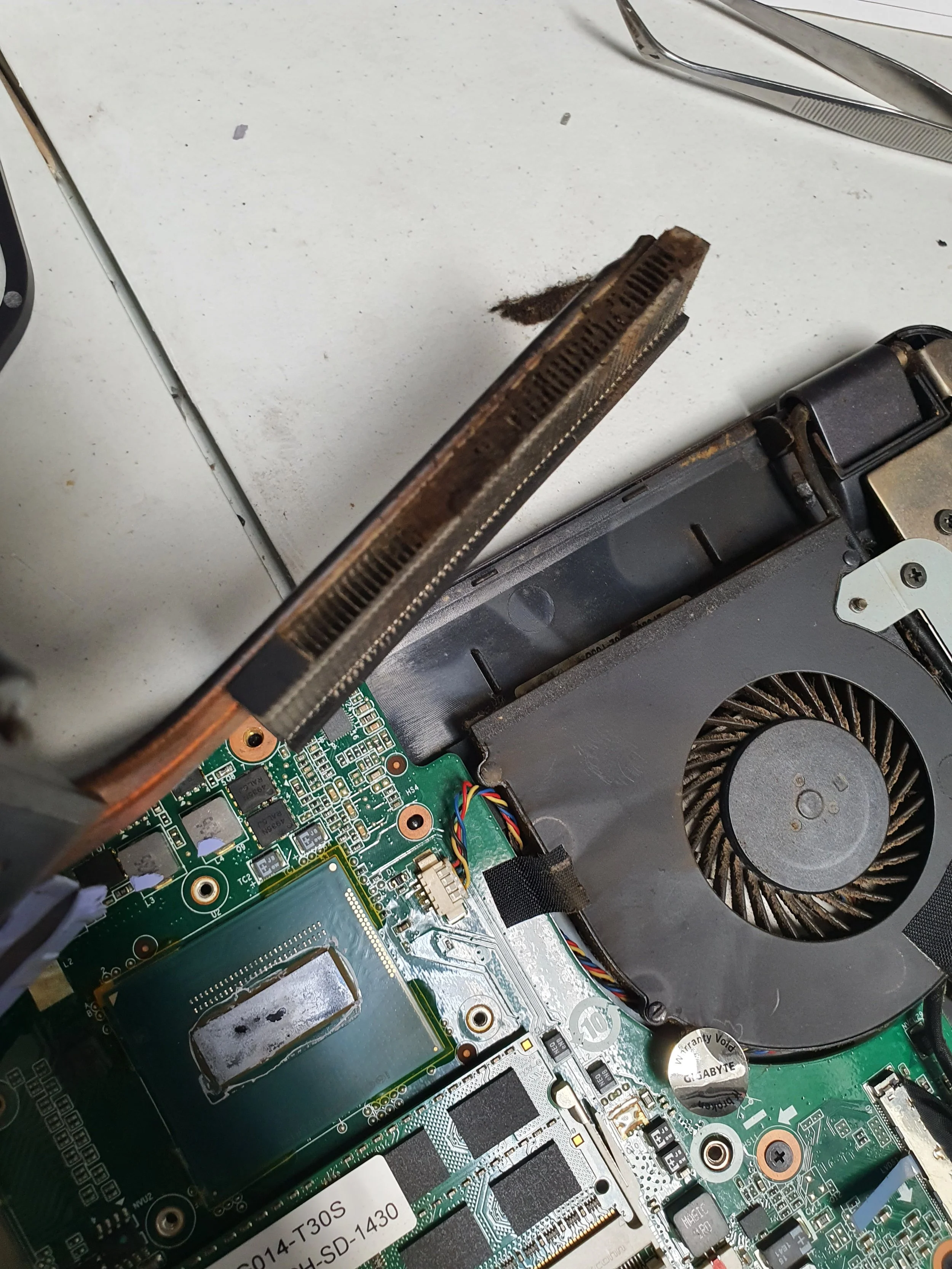
Inside an open laptop, showing the cooling fan, motherboard with various chips, and heat sink with dust.
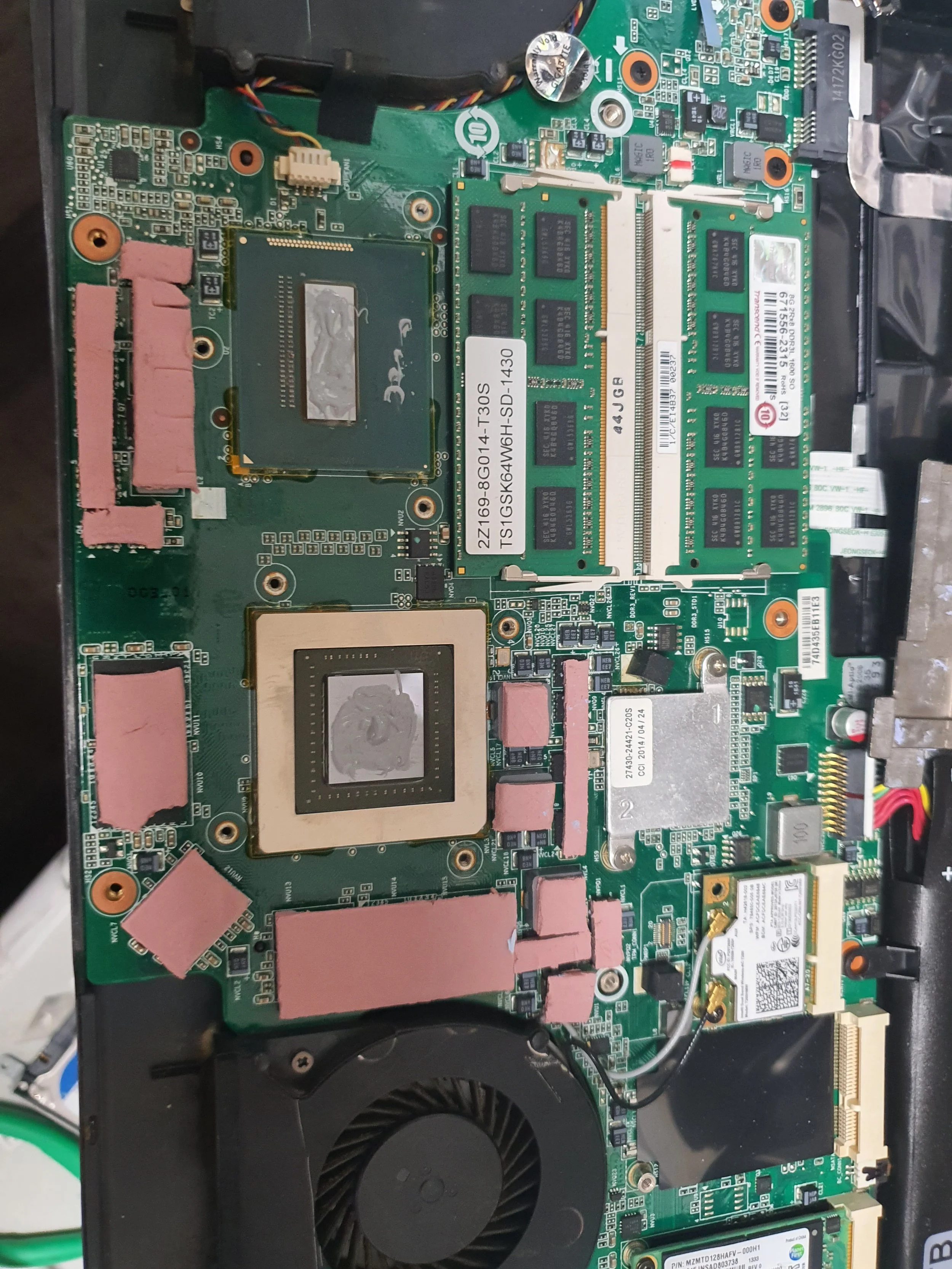
Inside of a laptop showing various electronic components, including a CPU, RAM modules, cooling fan, and other circuit elements.
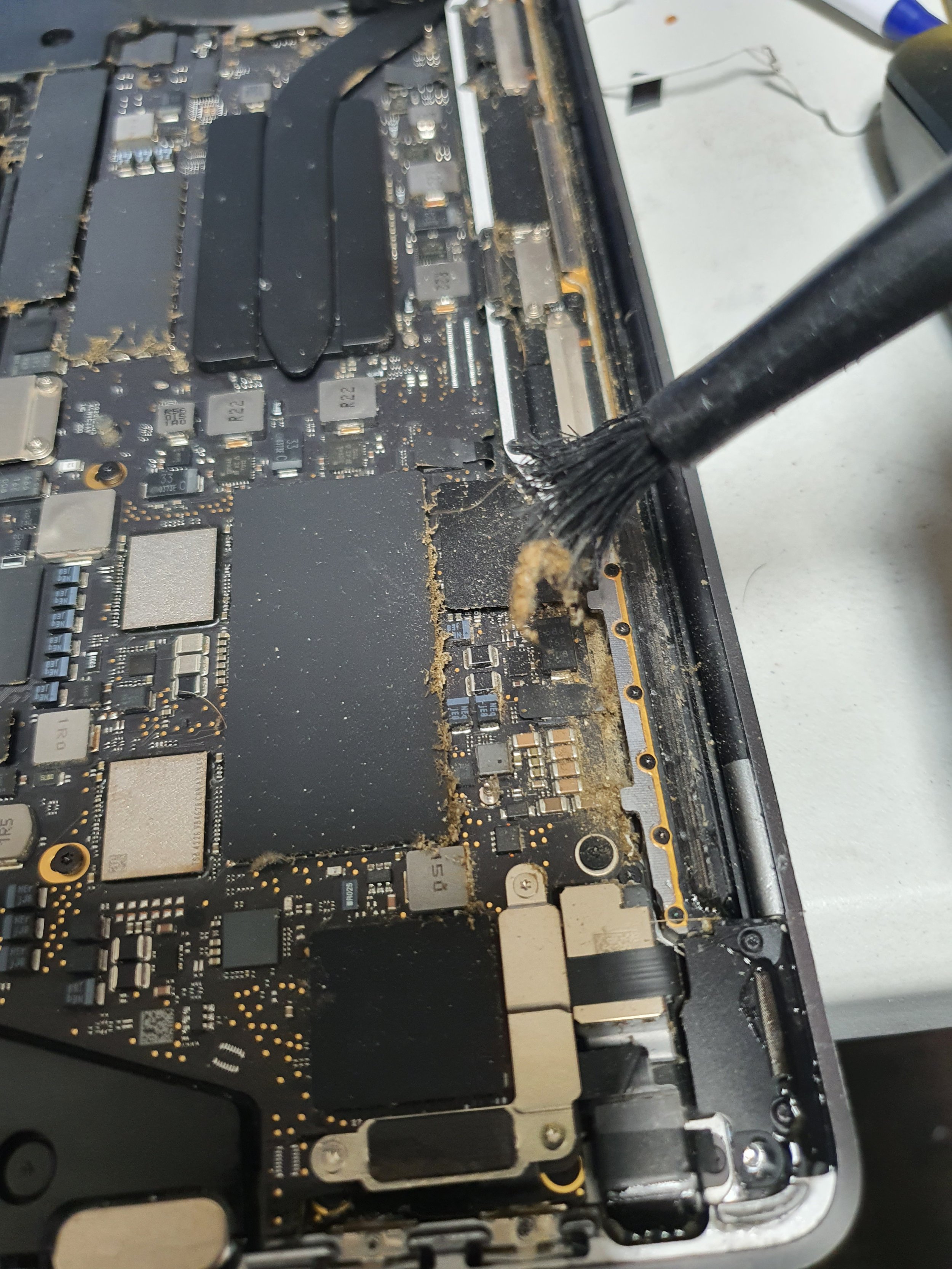
Cleaning dust and debris from a laptop's internal circuit board with a brush.